Firefox
Installation
Install from the Firefox link on the Mudfish download page or the Mozilla add-on page, following Firefox’s prompts. Then open Mudfish from the extensions menu.
Menu
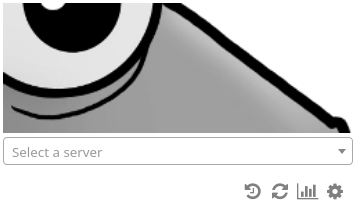
Below the server selector are icons for recently used servers, refreshing the server list, traffic usage, and settings. The settings page also contains the IP-check and secure-connection options.
Select a relay server from the list. If a proxy authentication prompt appears, enter your Mudfish ID and password.
While connected, reopen the Mudfish popup and click the disconnect button.