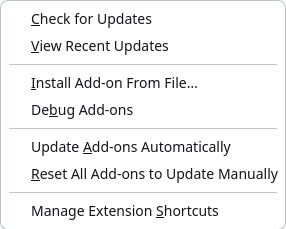
Mudfish Adclean for Firefox
Introduction
Mudfish Adclean is an ad-blocking service from Mudfish Networks. It focuses on websites commonly visited by Korean users.
- Website: https://adclean.mudfish.net
Installation
Installing an XPI package manually
You can install Mudfish Adclean in Firefox using an XPI package:
-
Download the latest Firefox XPI package from https://adclean.mudfish.net/download.
You can usually find it at https://mudfish.net/releases/adclean/. Choose the file with the
.xpiextension. -
Open Firefox and go to the add-on management page.
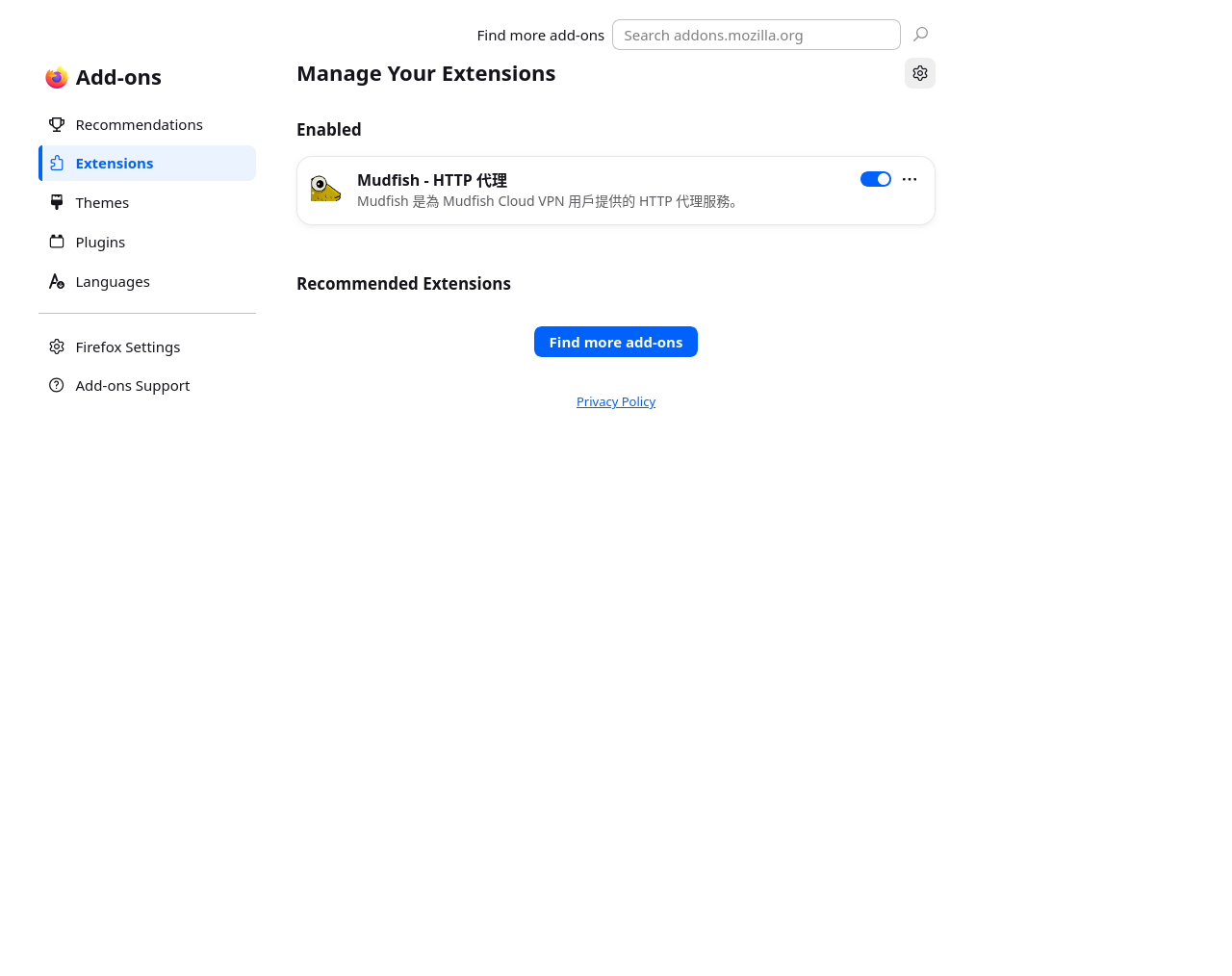
Firefox controls are shown in English. The installed proxy extension in this example has a Chinese listing; your installed extensions may differ.
-
Select "Install Add-on From File" and choose the file you downloaded.