Mudfish Adclean for Chrome
Introduction
Mudfish Adclean is an ad-blocking service from Mudfish Networks. It focuses on websites commonly visited by Korean users.
- Website: https://adclean.mudfish.net
Installation
Installing an unpacked package manually
To install Mudfish Adclean manually, download the unpacked package from https://mudfish.net/releases/adclean/ and follow these steps:
-
Extract the downloaded extension archive and remember the location of the extracted folder.
-
Open the extension management page, or enter
chrome://extensionsin the address bar.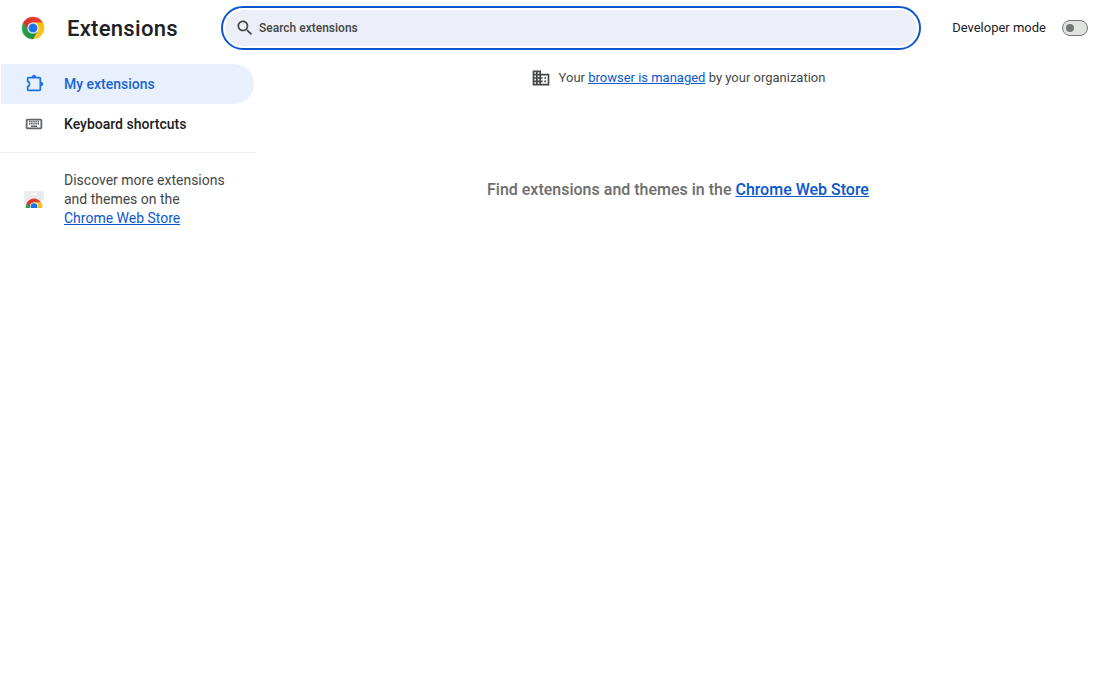
-
Turn on "Developer mode".

-
Click "Load unpacked" and select the folder where you extracted Mudfish Adclean.

Select the directory that contains
manifest.json.