Mudfish Adclean for Safari on iOS
Introduction
Mudfish Adclean is an ad-blocking service from Mudfish Networks. It focuses on websites commonly visited by Korean users.
- Website: https://adclean.mudfish.net
Installation
Find Mudfish Adclean in the App Store and install it. Its Korean name is "미꾸라지 광고차단".
Setup
After installation, follow these steps:
-
Launch Mudfish Adclean.
-
Open Settings on your iPhone or iPad.
-
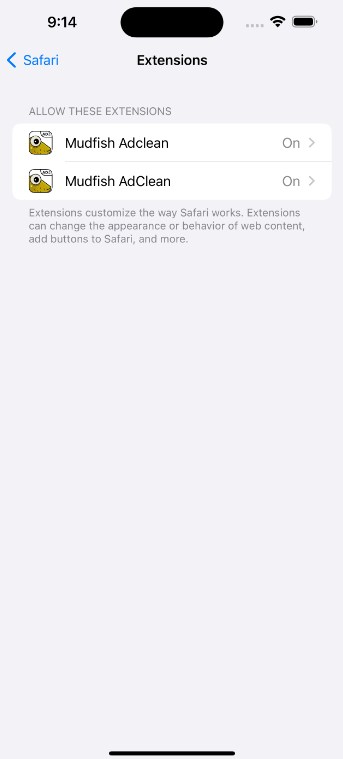
Open the Safari section, then "Extensions", and enable both Mudfish Adclean features.
-
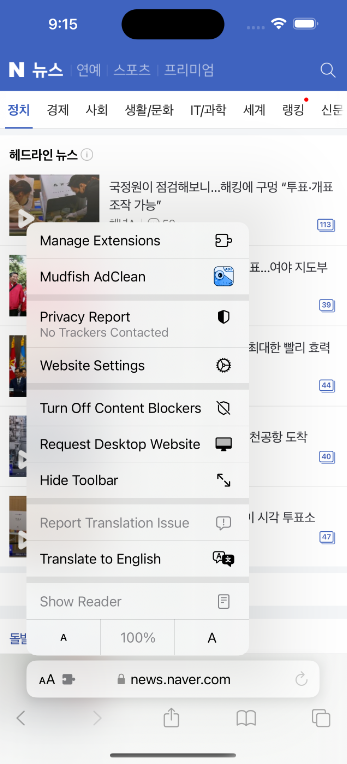
Open Safari and tap the "aA" icon in the lower-left corner.
-
Enable Mudfish Adclean in the menu.