Introduction
This section explains about details of admin page for Mudfish Launcher.
In mudfish, the web browser is used to show the admin page and its address
is normally at http://127.0.0.1:8282 (for desktop) or at
http://192.168.1.1:8282 (for router).
Mudfish uses this web interface for configuration, item purchases, and account management. After signing in through Mudfish Launcher, the first page you see is the dashboard.
Website and Launcher dashboards
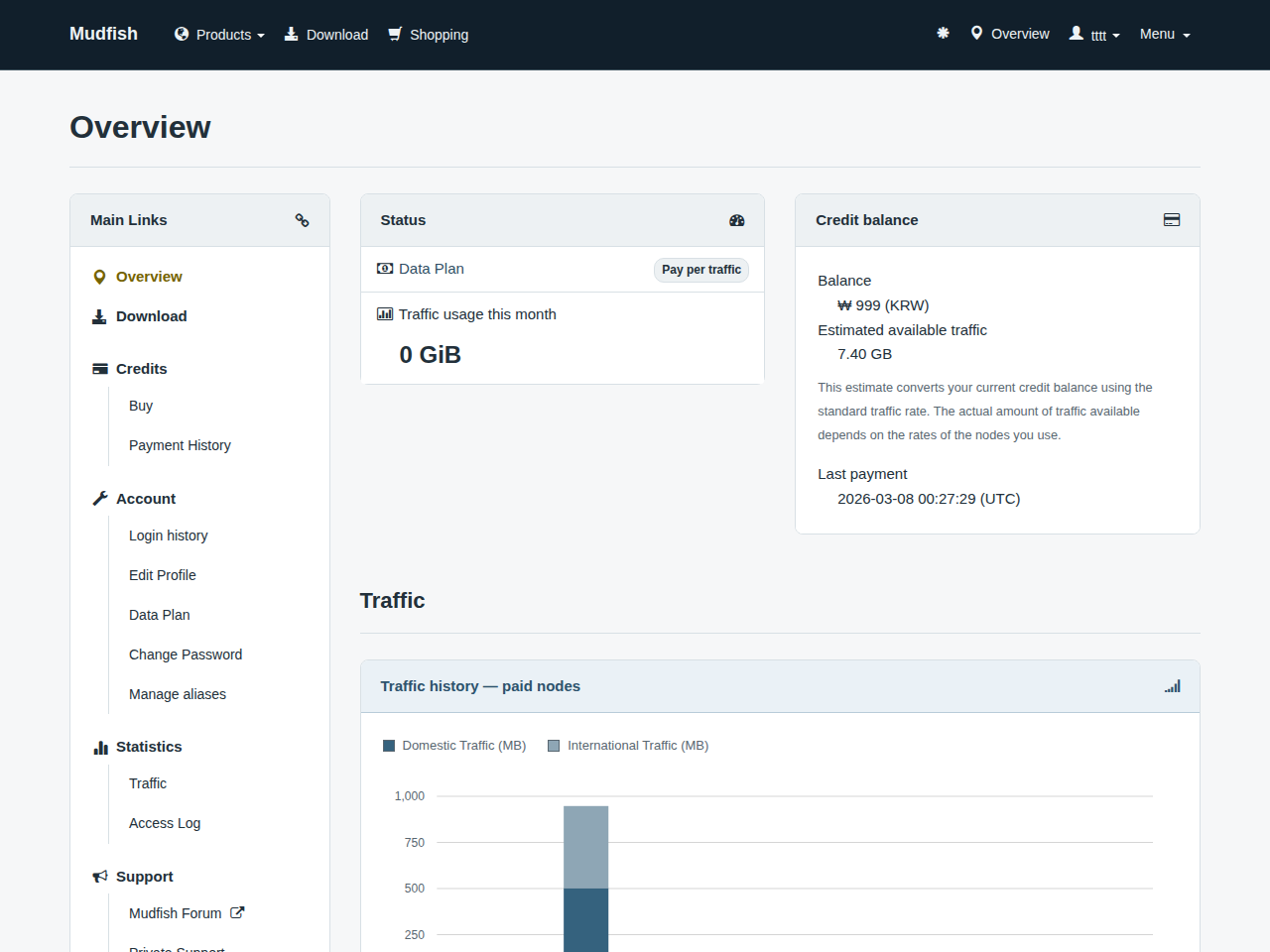
Signing in directly at https://mudfish.net shows the website dashboard:
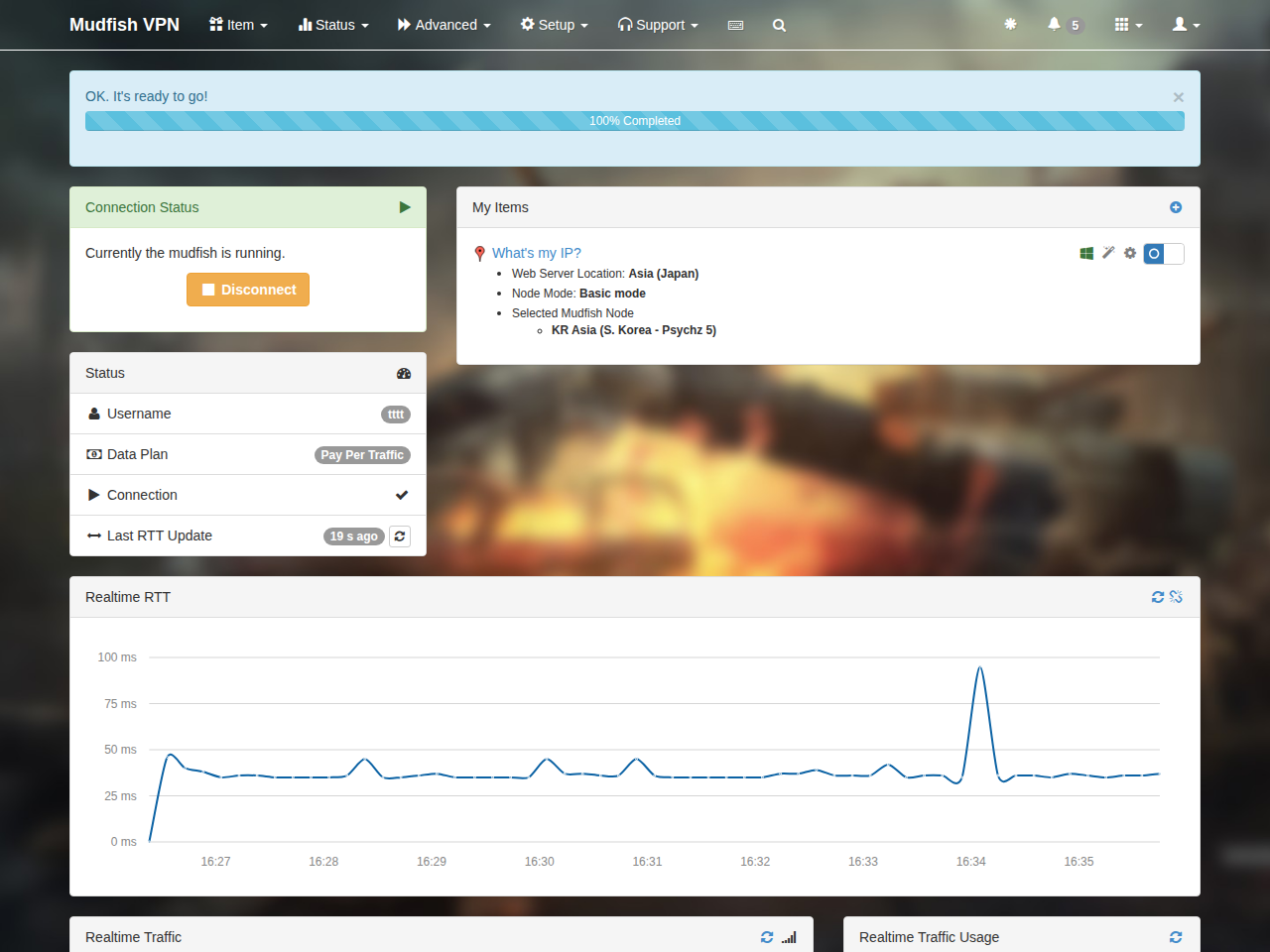
The dashboard opened by Mudfish Launcher (normally at http://127.0.0.1:8282/dashboard.html) includes additional program status and configuration information:
The following documentation focuses on the interface opened through Mudfish Launcher.