FastConnect mode
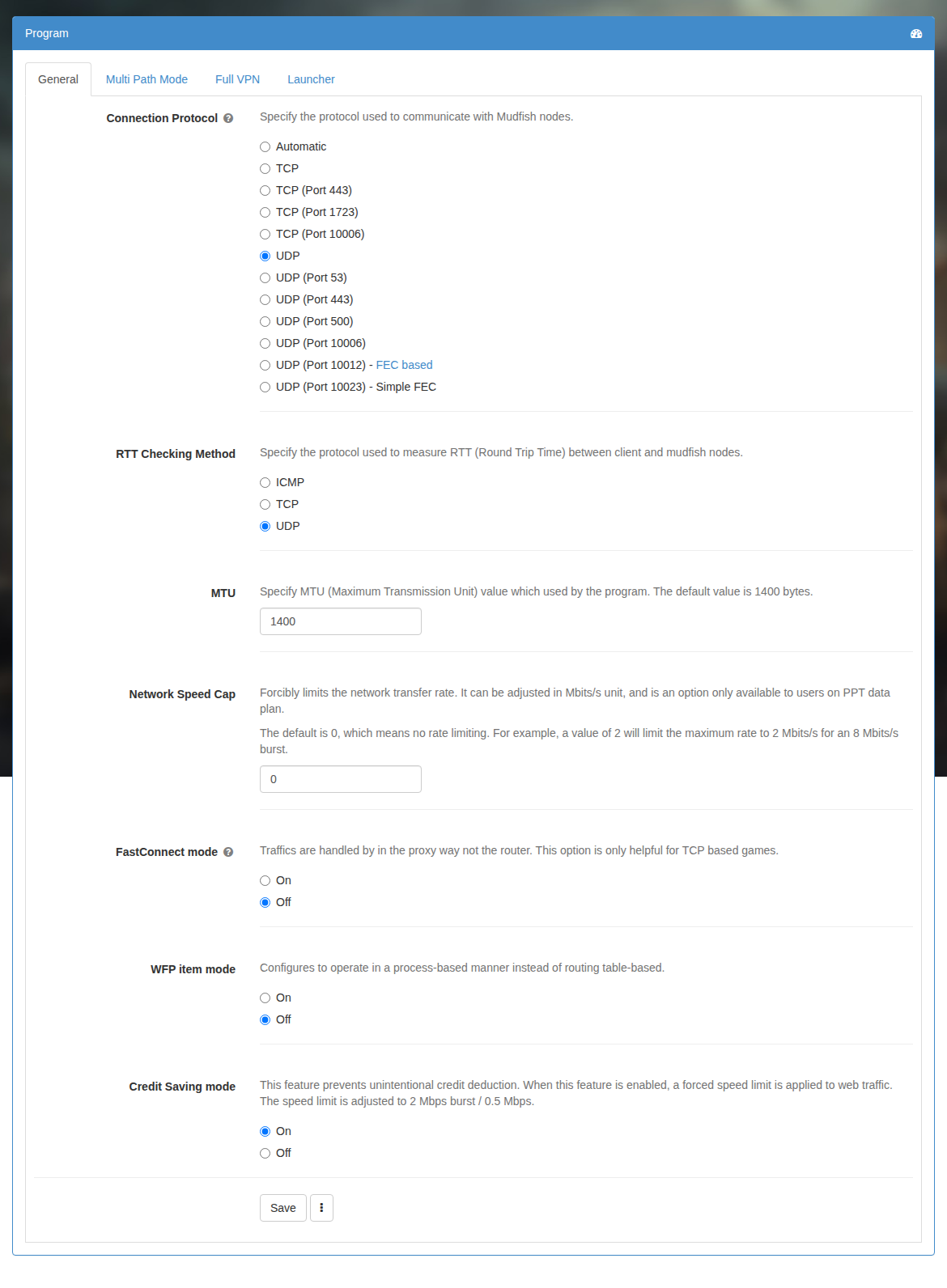
If this option turns on, Mudfish is working as proxy server rather than router. To turn on this option, you can set it at 'Setup → Program' menu.
How it works
In this mode, Mudfish intercepts all incoming traffics going to the destination defined by items and mimics that Mudfish is a destination server itself.
So in a view of client, it looks like that the destination server is at very closer location within 0 ~ 2 ms.
Without FastConnect, Mudfish simply passes data to the node, which forwards it to the game server. With FastConnect, the local Mudfish program acts as the server to your game client: it acknowledges receipt and accepts more data while forwarding that data through the node to the actual server.
Games where users have reported benefits include Dungeon Fighter Online, Mabinogi, Vindictus, Blade & Soul, and Dark Ages. Other TCP-based games may also benefit.
Caveat
- Don't use for UDP based games (e.g. Counter Striker or League Of Legends). This option is useful for TCP based games only.
FAQ
Does FastConnect consume more traffic or not?
No. If my calculation is correct, it should almost same with or without FastConnect mode.
My game is TCP protocol based. Is FastConnect mode helpful?
Yes it could. :-)
My game is UDP protocol based. Is FastConnect mode helpful?
Not at all. I don't think you need to use this feature.
Is this mode working with Full VPN mode?
Yes it works with Full VPN mode enabled.
Do I also need to set the connection protocol to TCP?
No. You do not need to change the connection protocol.
Is there a video comparison?
The Mabinogi skill casting comparison page (in Korean) includes a video comparing WTFast with Mudfish FastConnect.