Checking whether an item works
Use this procedure to check that Mudfish is running and applying an item's routing settings.
Preparation
Exit all Mudfish processes. On Windows, find the Mudfish icon in the system tray at the bottom right of the screen.
Equip the test item
You must equip What's my IP? for this test. Equipping a game item alone does not change the result at https://myip.mudfish.net.
-
Sign in at https://mudfish.net in your browser and open “Item → Equip Items”.
-
Select the “Site” category.
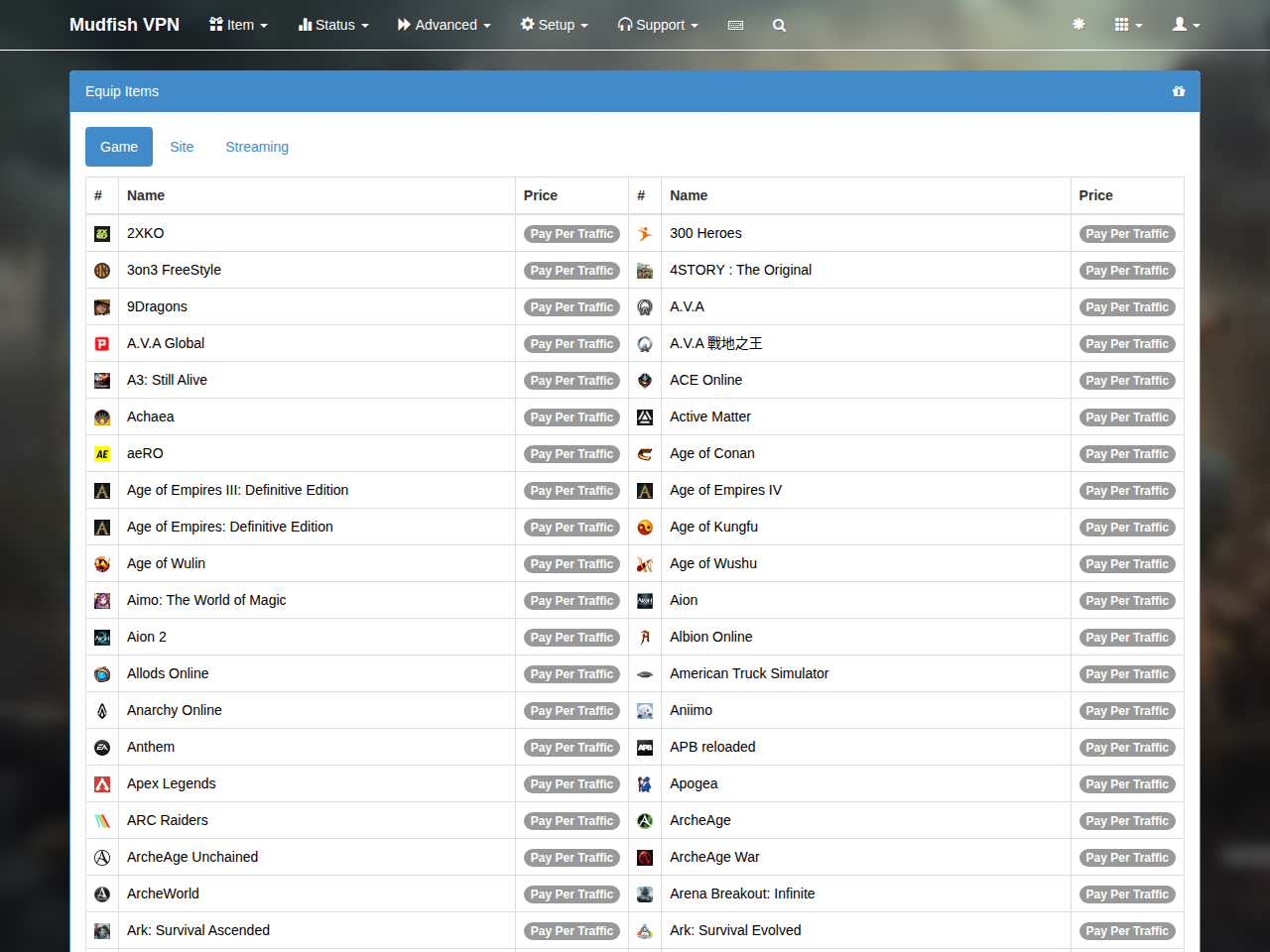
-
Equip “What's my IP?”. It is free and available to everyone.
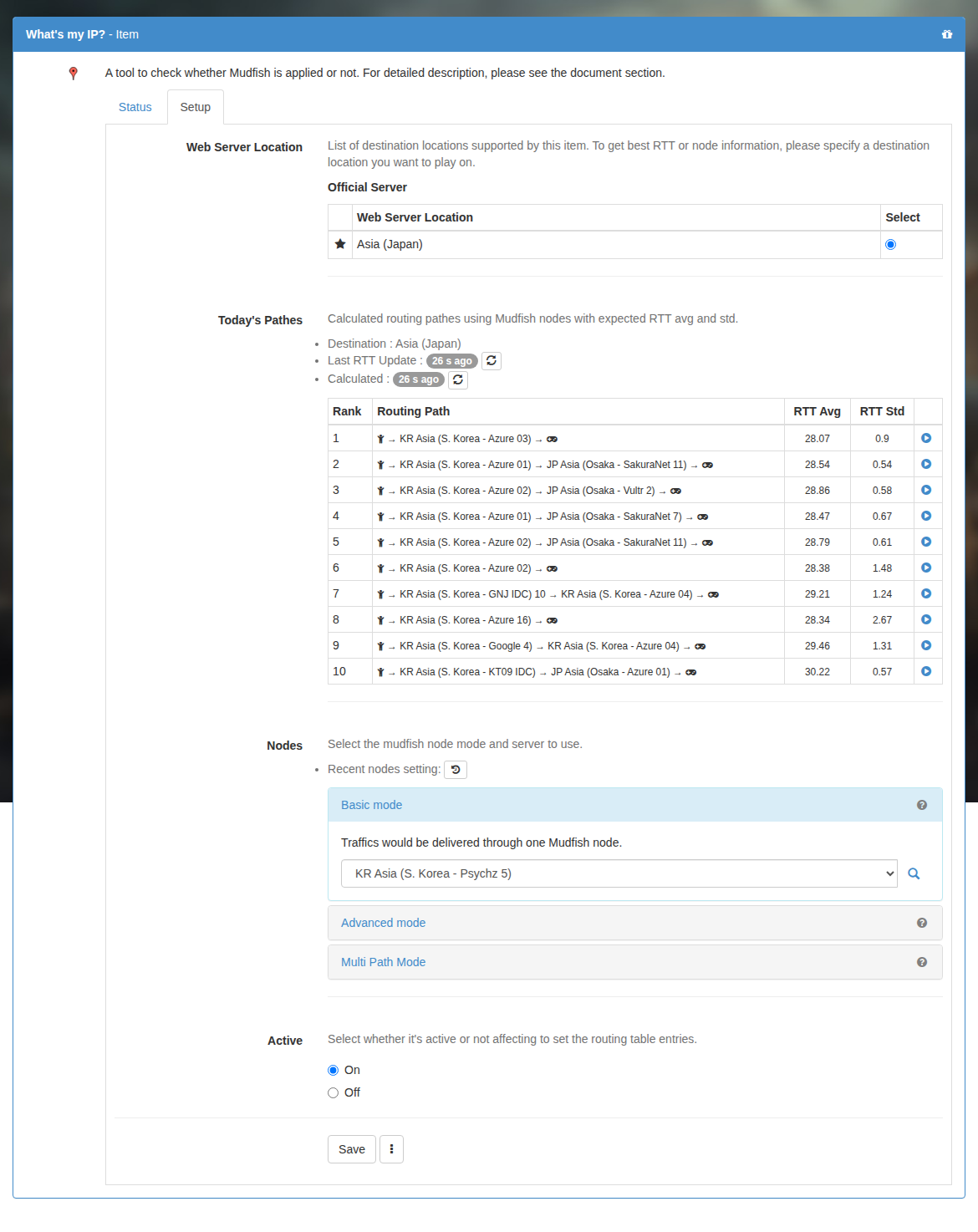
Run Mudfish
Launch Mudfish, sign in and wait for configuration to complete.

If you equipped the item through a running Launcher, exit it completely and start it again.
Check the result
Visit https://myip.mudfish.net in your browser. If the item is working, the site shows a success message and the name of the Mudfish node used for the connection.
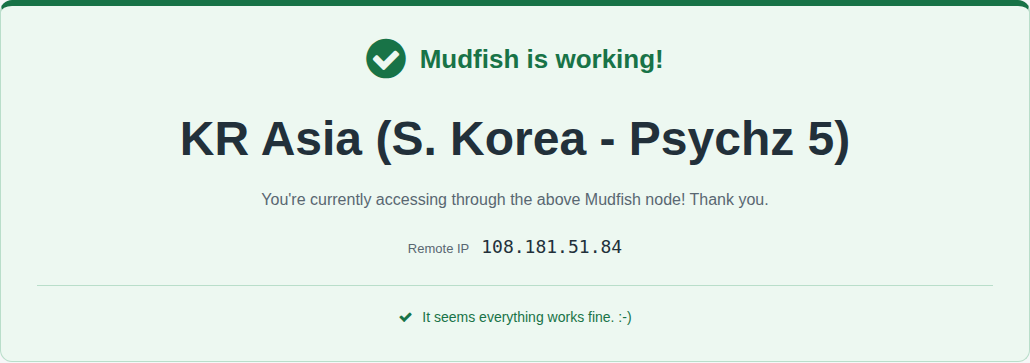
The displayed node depends on your selection. With automatic selection, it may be any automatically chosen node.