Item
myip.mudfish.net says that Mudfish doesn't work.
As default, Mudfish doesn't work as Full VPN mode. So you should use one of methods to see the proper message:
-
Enables Full VPN mode and visit https://myip.mudfish.net link.
-
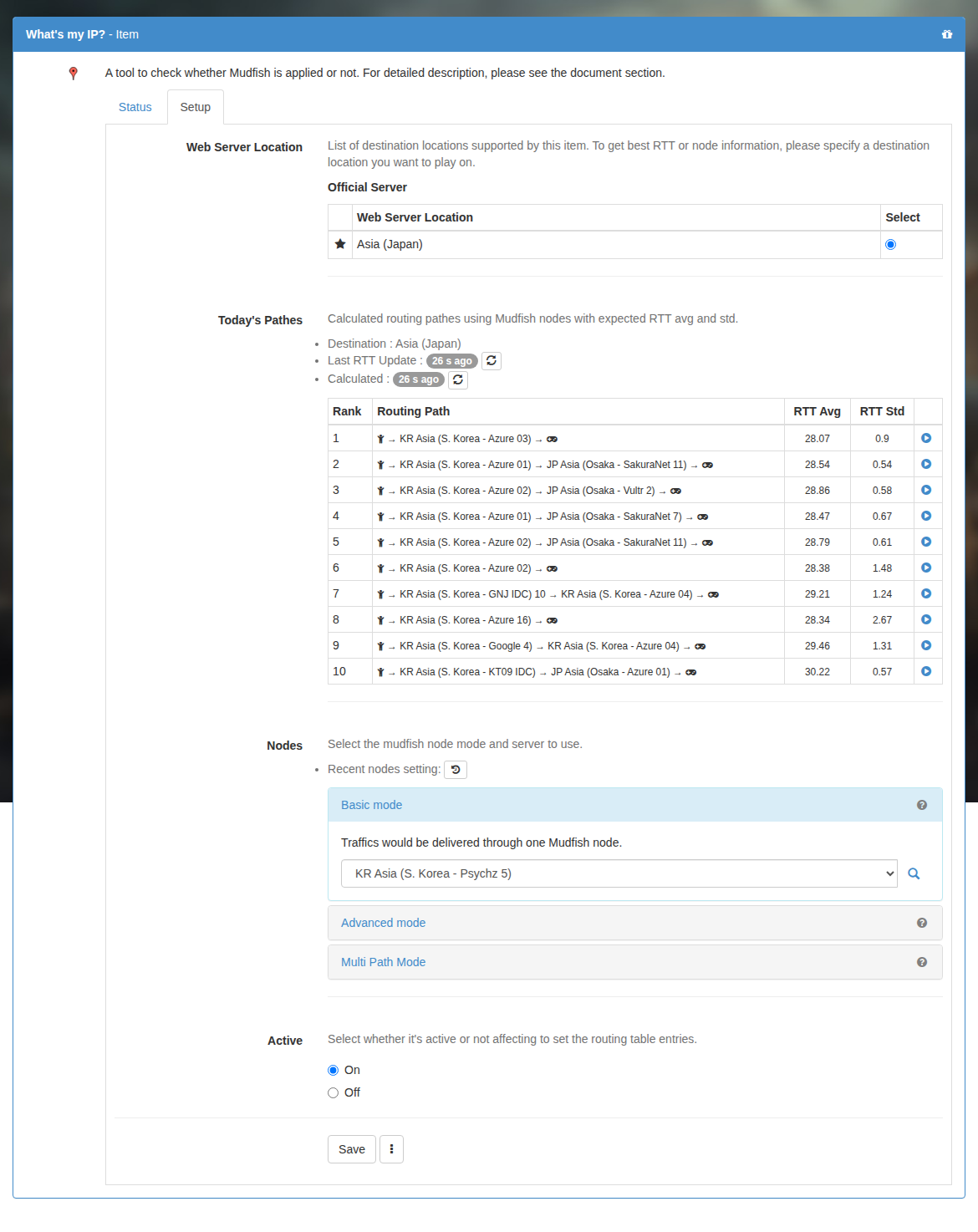
Or equip "What's my IP?" item at "Item → Equip Items" menu then visit https://myip.mudfish.net link after applying the configuration.
I checked on manage items and noticed that my items are 7 days left, but to what exactly?
-
If your data plan is pay-per-traffic.
It means nothing. :-( I think I need to improve this UI not for people to confuse with this interface. With your data plan, equipping the game item doesn't cost at all so if it's gone then just re-equip it. That's it.
Do I have to disable the item from dashboard when I terminate Mudfish?
No. You don't need to disable it at all.
What is an item?
An item contains the routing information for a game or website. Equipping it configures Mudfish to route that service's traffic. For example, equip the League of Legends item to use that game through Mudfish.
Does equipping an item cost credits?
It depends on your data plan:
- Pay Per Traffic: equipping an item is free. Credits are charged for traffic.
- Subscription: the displayed item price is deducted from your credits, and the item remains valid for one month.
Can I still use an expired item on Pay Per Traffic?
Yes. If “Auto Refresh” is on, the expiry date refreshes automatically when fewer than three days remain. If it is off and the item expires, equip it again for free from the item list.
Do my remaining credits disappear when an item expires?
No. Your credits remain in your account.
Is Full VPN better than equipping an item?
If the game works with its item, you do not need Full VPN mode. Full VPN can cause unnecessary credit usage by routing unrelated traffic as well.
The item's RTT graph does not update.
This can happen when you open the ordinary website instead of the dashboard through Mudfish Launcher. Sign in through Launcher, then either:
- Open the equipped item from the dashboard and click its magnifying-glass icon.
- Open “Setup → Program → Full VPN” and click the magnifying-glass icon there.

What is the destination server in the item settings?
It identifies the server location used to calculate recommended routes. For example, if you are in South Korea and play on a Japanese game server, select Japan as the destination. Mudfish can then recommend nodes for reaching that server.