Advanced Node Mode FAQ
What does advanced mode do?
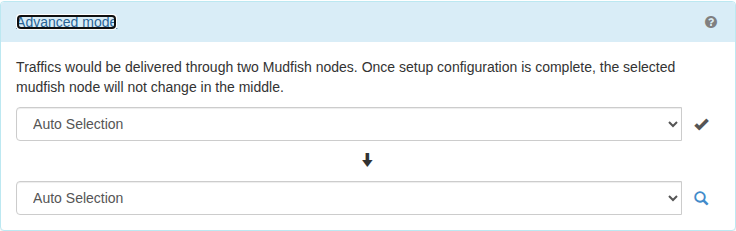
Traffic passes through two selected Mudfish nodes before reaching the destination, instead of one. This can help when one node cannot avoid network congestion, or when the destination's regional restrictions limit your choice of exit node.
How do I configure it?
Open an item's settings, choose “Advanced mode” under node selection, and select two nodes. For example, with a user in South Korea and a destination in the eastern United States, the route might be:
- User in South Korea.
- HK Asia (Hong Kong - HostHatch).
- US Central (Lombard, IL - Continuum LLC).
- Destination server in the eastern United States.
Advanced mode does not work.
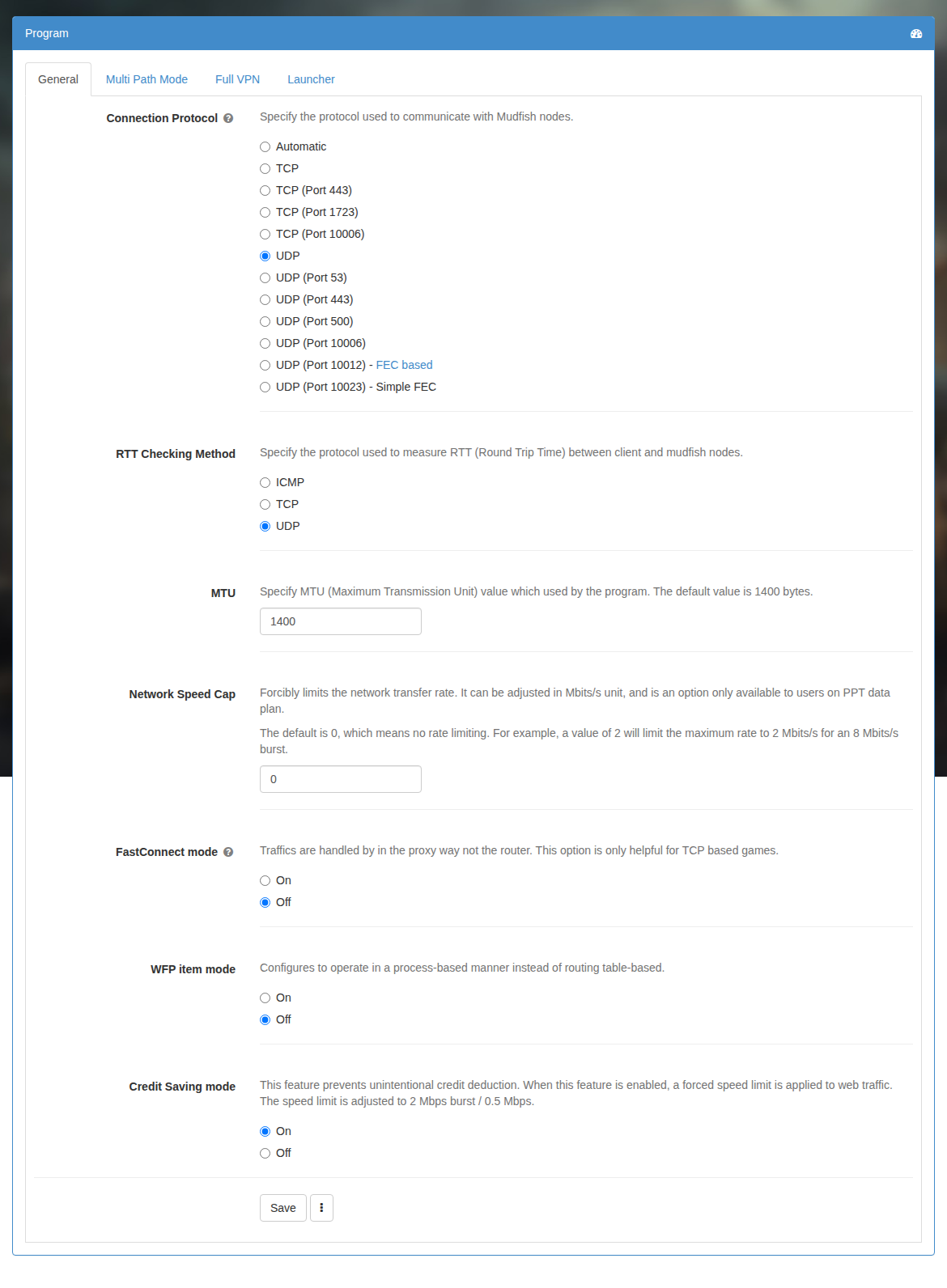
Check whether FastConnect mode is enabled. Mudfish v4.3.15 and earlier do not properly support combining FastConnect with advanced mode. Turn FastConnect off and test again.
Why are there no recommended shortest routes?
The route search could not find a suitable recommendation within its resource limit. This does not indicate a problem with your computer.
Searching advanced-mode routes uses substantial CPU and memory, so Mudfish limits the number of paths it explores. If no suitable route is found before that limit is reached, the recommendation list can be empty.